Free Mac App Unravels All Your Annoying USB-C Cable Mysteries
Our take
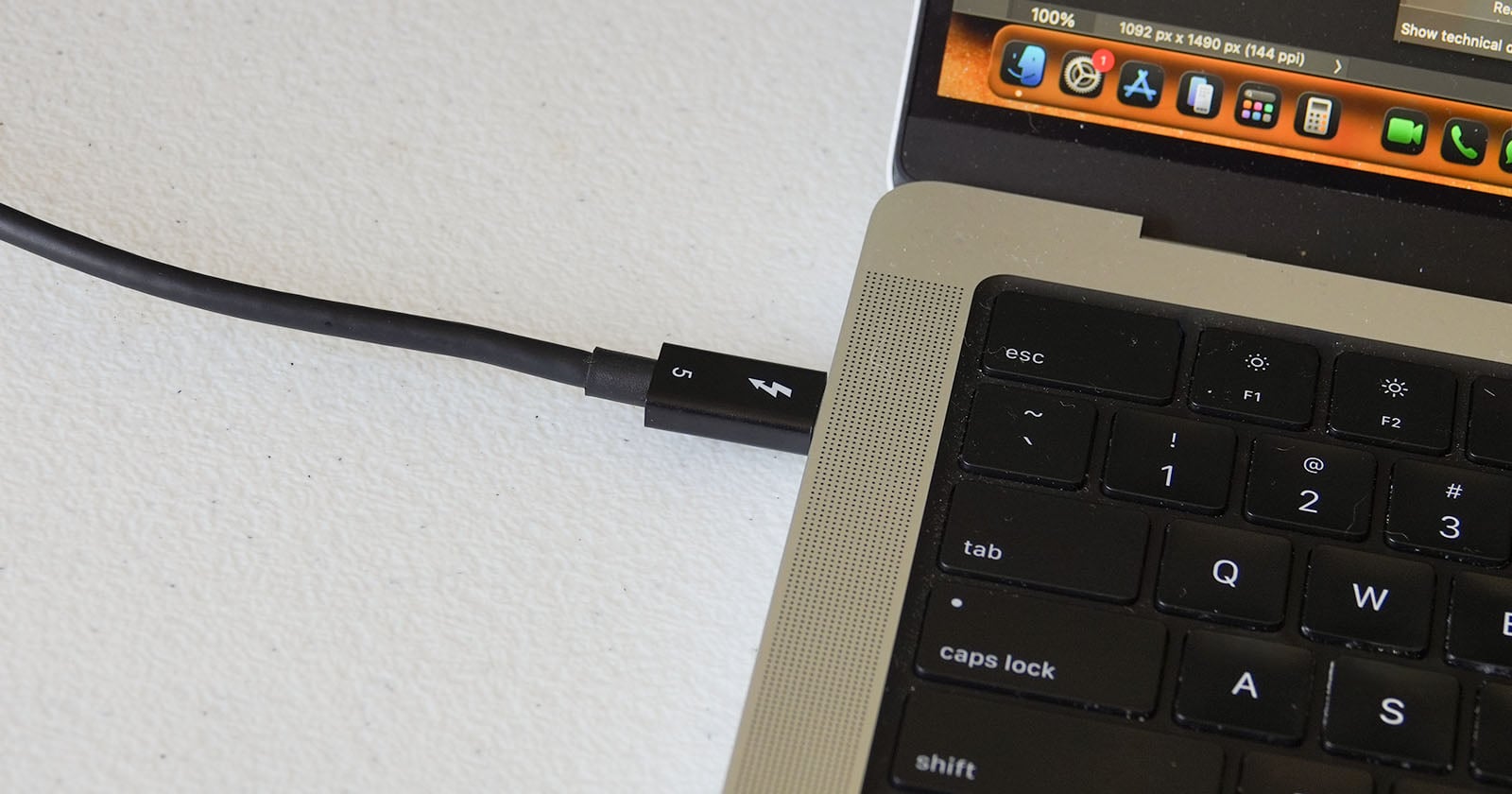
The modern tech landscape is increasingly defined by a frustrating paradox: incredible technological advancement paired with a baffling lack of clarity in fundamental design choices. Nowhere is this more evident than in the proliferation of USB-C cables, a seemingly universal connector that often conceals a bewildering array of capabilities and limitations. For the discerning Mac user, navigating this labyrinth of power delivery, data transfer speeds, and compatibility can feel like an exercise in futility. But now, a beautifully simple solution has emerged: WhatCable, a free Mac app that definitively unravels the mysteries lurking within those often-unlabeled cables. It’s a welcome development, particularly given the recent push towards streamlining workflows and maximizing efficiency – something we’ve explored in articles like [Want More Muscle in Your Fitness Competition? Welcome to Xenom.] and its emphasis on optimized performance, and further underscored by the technical ingenuity showcased in [Make Small Sensor Images Look Like They’re From Bigger Sensors].
WhatCable's value extends beyond mere convenience; it speaks to a broader issue of transparency and user empowerment in the tech industry. The lack of consistent labeling on USB-C cables isn't simply an oversight—it's a design flaw that actively hinders informed decision-making. Consumers are left guessing whether a cable can handle the power demands of their laptop or deliver the high-speed data transfer required for external storage. This ambiguity often leads to compatibility issues, frustrating slowdowns, and ultimately, a diminished user experience. The app essentially acts as a diagnostic tool, revealing the actual capabilities of a cable, distinguishing between basic charging cables and those capable of Thunderbolt 3 or 4 speeds. This level of insight is invaluable for professionals, creatives, and anyone who relies on their Mac for demanding tasks. It aligns perfectly with the ethos of a curated and sophisticated lifestyle, valuing both form and function and demanding clarity in every detail.
The significance of WhatCable isn't just about solving a current problem; it's a subtle but powerful statement about the direction of tech design. The app's existence highlights the need for manufacturers to prioritize transparency and user-friendliness. Imagine a world where every USB-C cable clearly indicates its specifications, eliminating the guesswork and potential for frustration. While we’ve seen impressive feats of engineering, like the breathtaking aerial photography captured by Jim Ross in [NASA Photographer Soars Over Washington in a Fighter Jet], even those advancements are reliant on reliable and consistent connectivity. WhatCable serves as a reminder that even the most advanced technology can be undermined by seemingly minor details. It’s a testament to the power of simple, elegant solutions to address complex problems.
Looking ahead, the success of WhatCable could inspire a broader movement towards greater cable transparency. Will we see manufacturers adopting standardized labeling practices, or will the app’s popularity be a temporary fix for a systemic issue? The ongoing evolution of USB-C and its various iterations continues to present challenges, and the demand for tools like WhatCable suggests that the need for clarity and control will only intensify. Perhaps the next frontier lies in developing similar diagnostic tools for other frequently misunderstood connectors and devices, ensuring a more seamless and intuitive tech experience for everyone.
While some USB-C cables are accurately and extensively labeled, others are frustratingly blank. Other times, a cable doesn't seem to be delivering its promised speeds or power delivery. Now there's an excellent, accessible solution to these cable woes on Mac: WhatCable.
Read on the original site
Open the publisher's page for the full experience